
Perfect 5:4 Uber Eats Photos From Your Phone
Uber Eats Manager displays menu items in 5:4 format—phones don't shoot that ratio. Our AI transforms any photo into perfectly cropped, professionally lit menu images optimized for the Uber Eats app. 50 seconds, $1/photo.
No credit card required • Perfect 5:4 Uber Eats format
Trusted by 2,300+ Uber Eats Restaurant Partners
 112,000+ menu photos uploaded to Uber Eats Manager
Uber Eats Photo Standards Explained
The Uber Eats app is designed for visual browsing. Photos that don't meet specific standards get buried. Here's what matters:
5:4 Display Ratio
Uber Eats app shows menu items in 5:4 cards. Standard phone photos (4:3 or 16:9) get auto-cropped badly—cutting off key parts of your dish.
Mobile-First Quality
85% of Uber Eats orders come from phones. Your photos need to pop on small screens—bright, sharp, and color-accurate.
Instant Recognition
Users swipe through dozens of restaurants. Your food needs to be identifiable and appetizing in under 0.5 seconds of viewing.
Real Menu Photos, AI Enhanced
Phone snapshots transformed into Uber Eats-optimized 5:4 menu images
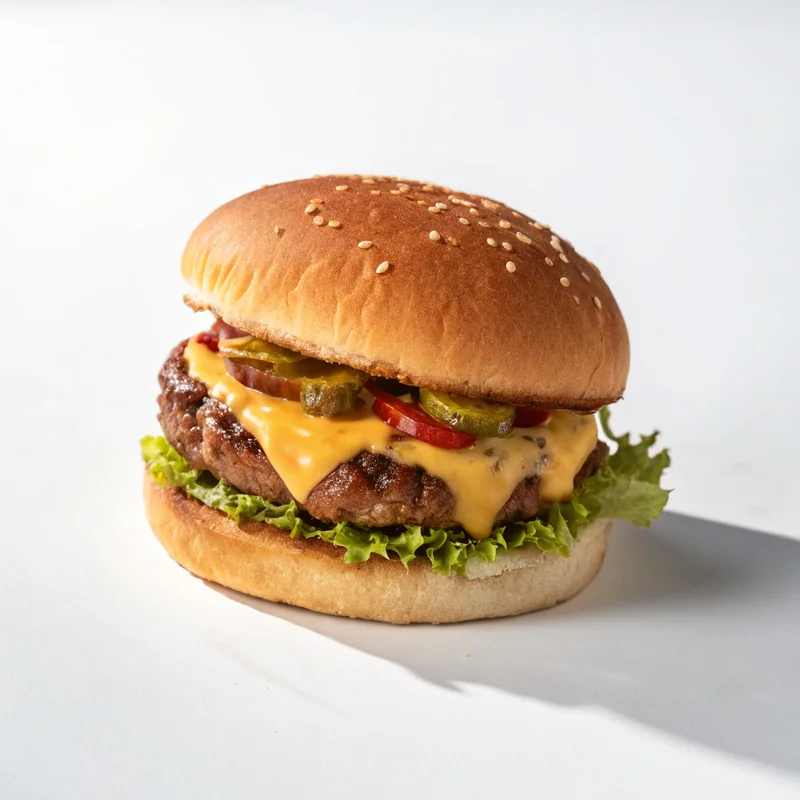
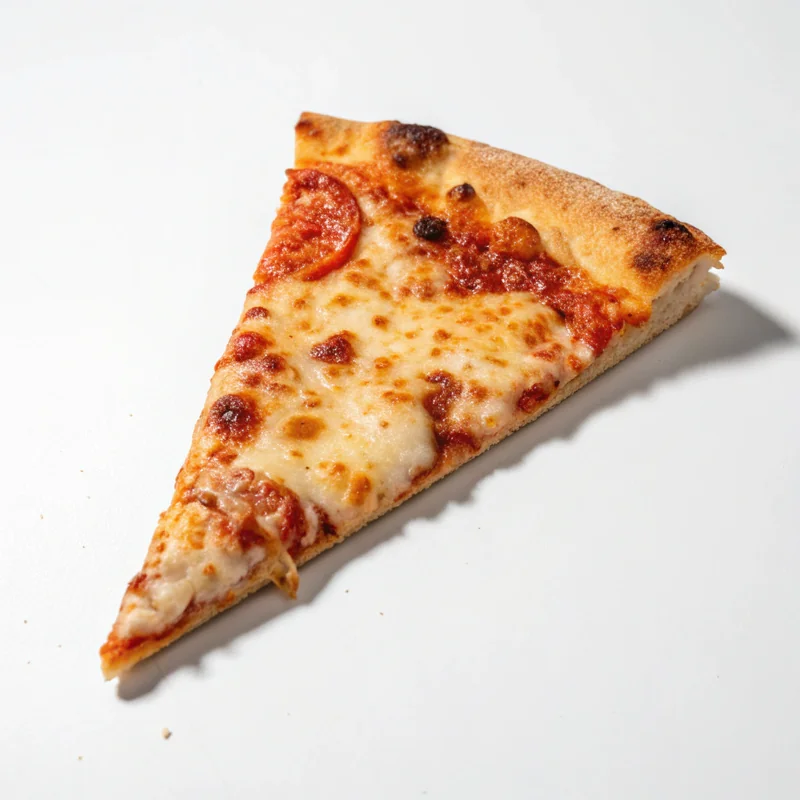
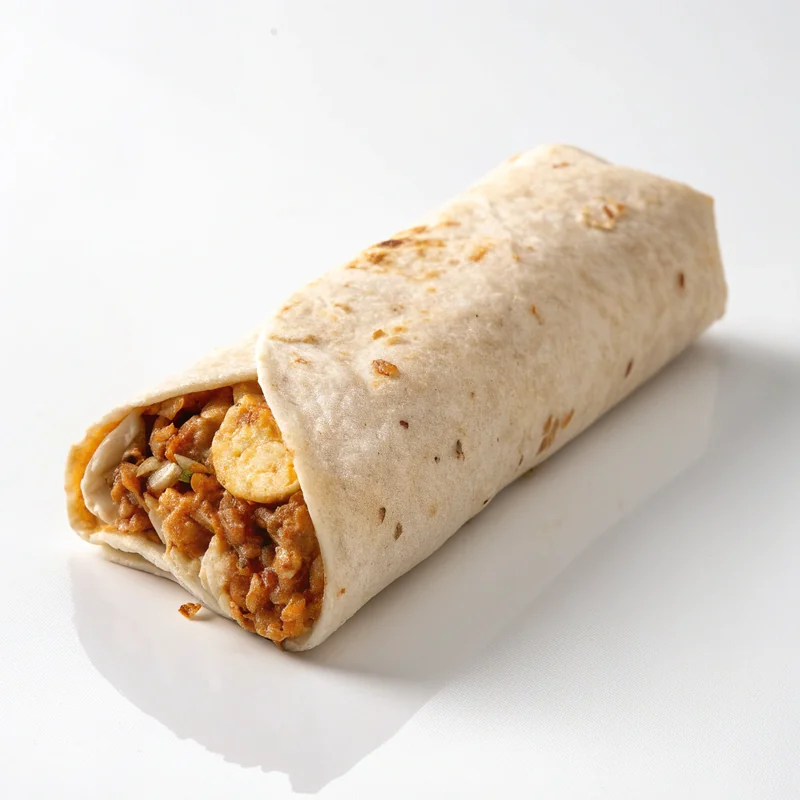
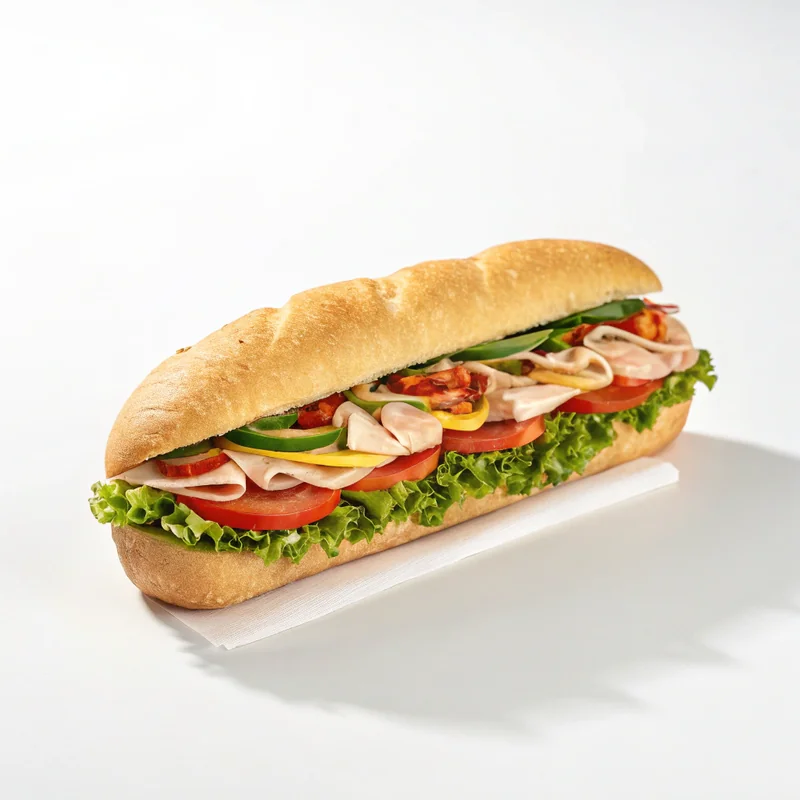
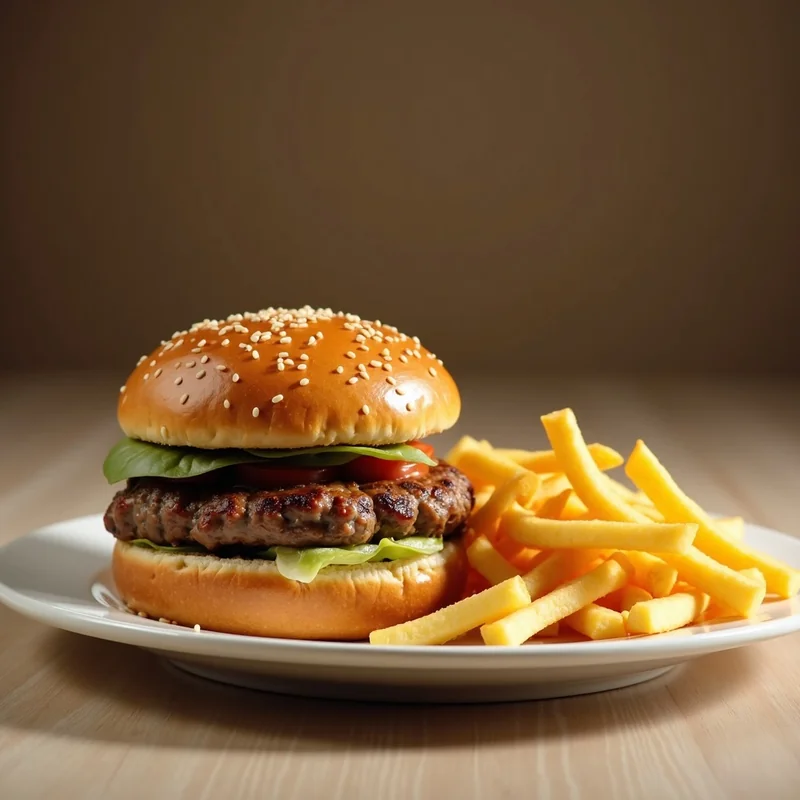
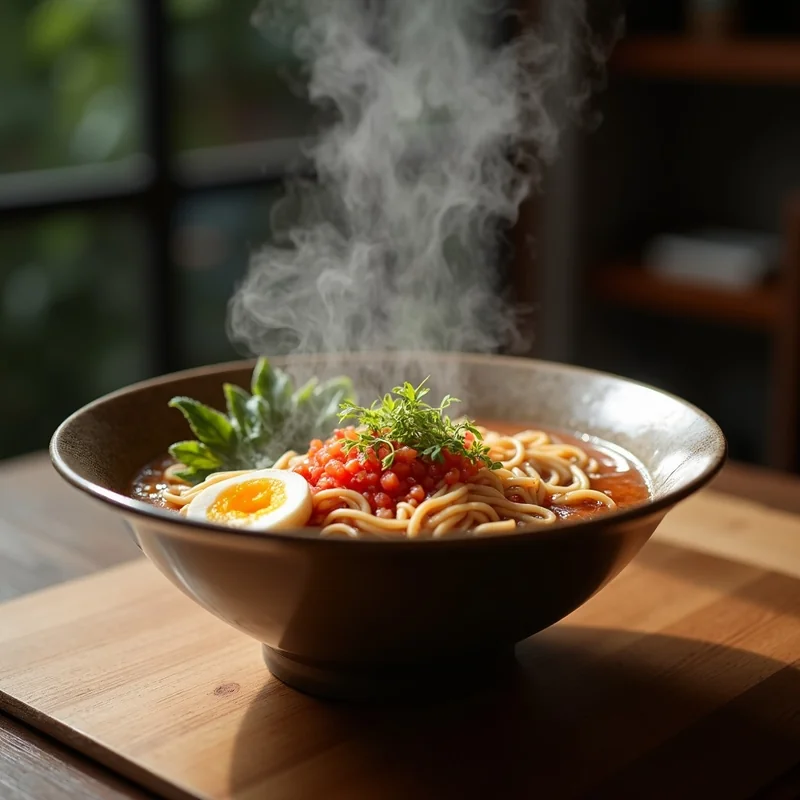
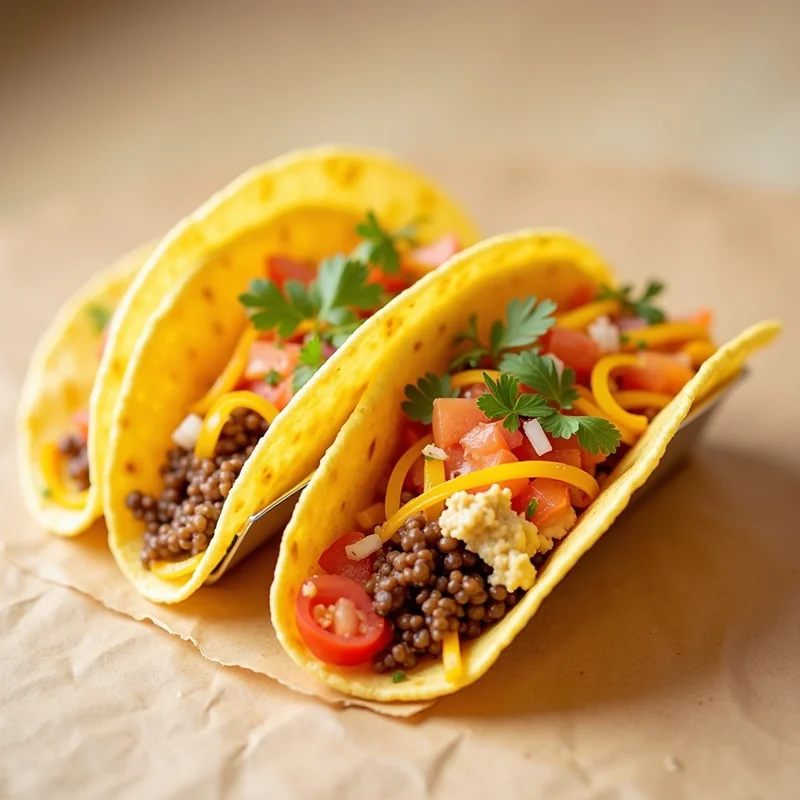
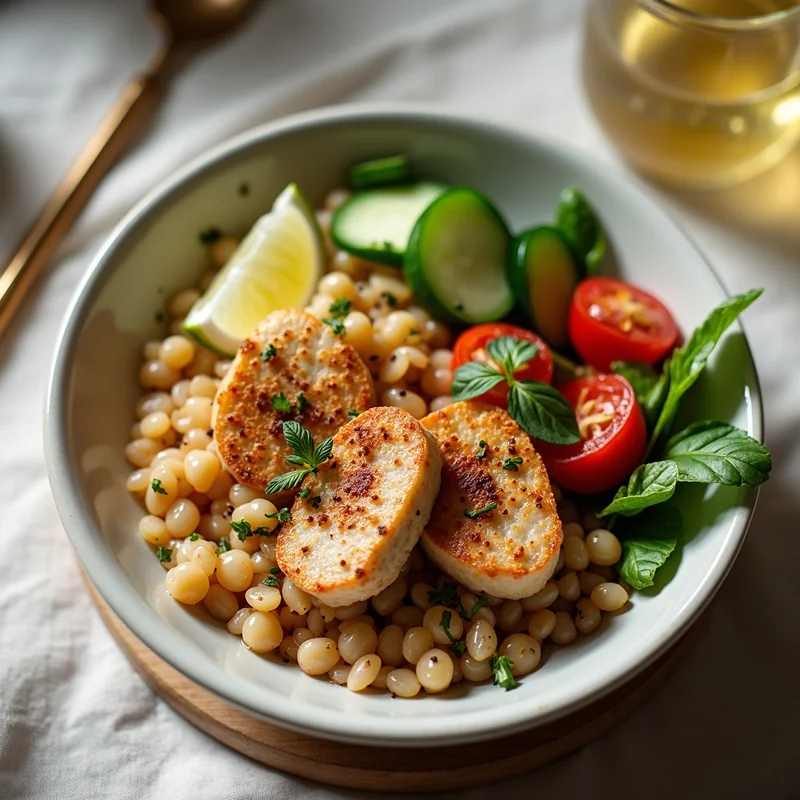
From Kitchen to Uber Eats Manager in 3 Steps
No photography skills needed. No expensive equipment. Just your phone and 50 seconds.
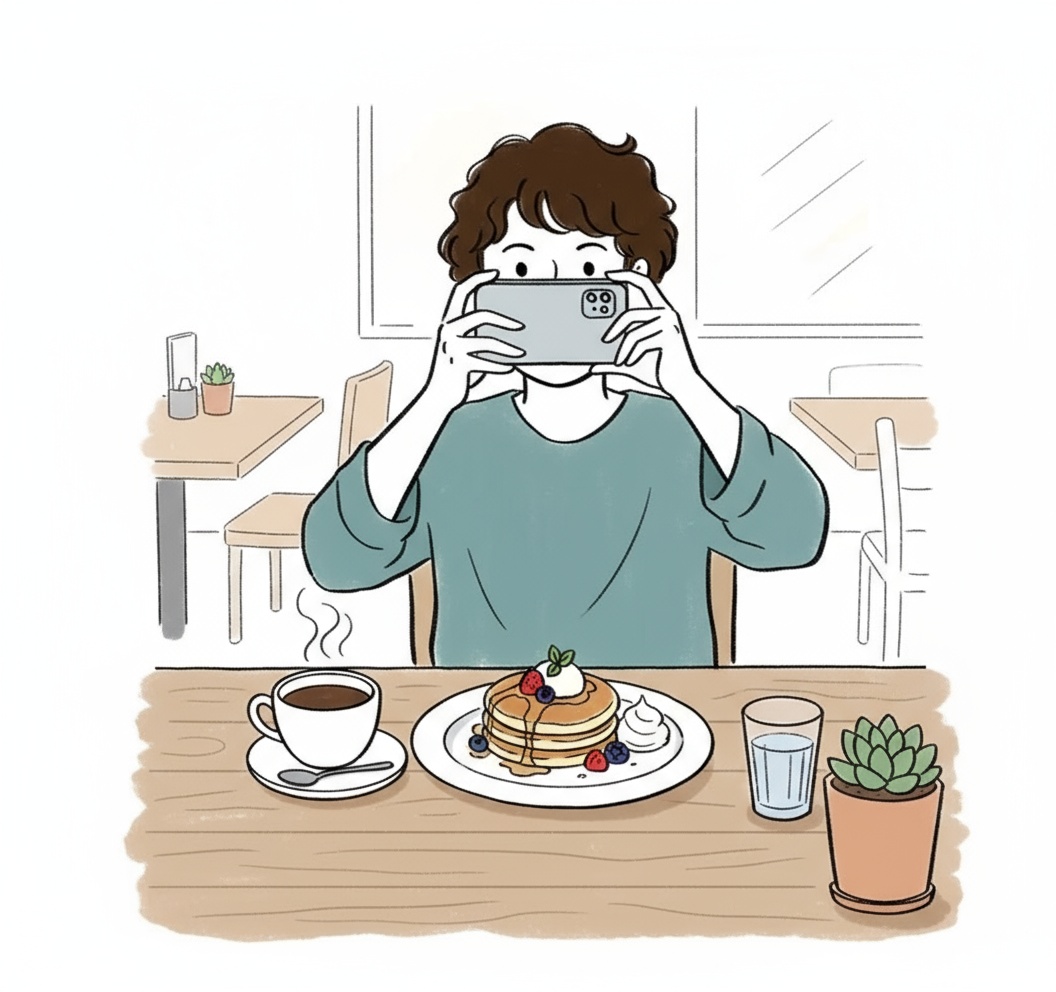
Photograph Your Dish
Snap a photo with any smartphone. Kitchen lighting, busy background—doesn't matter. AI handles the imperfections.
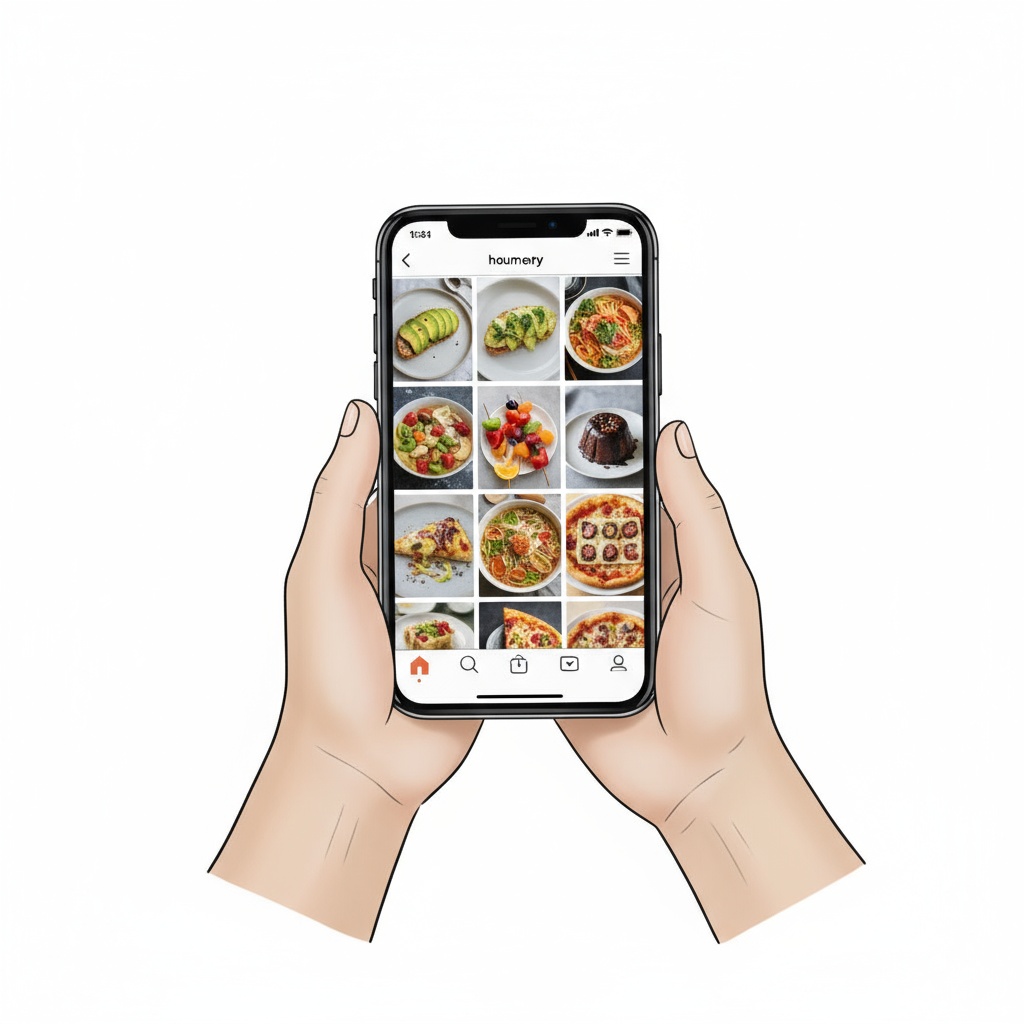
AI Creates 5:4 Image
Select Uber Eats preset. AI recomposes to 5:4, simulates studio lighting, enhances colors, and cleans up the background.
Add to Uber Eats Manager
Download the optimized image. Open Uber Eats Manager, upload to your menu item. Photo goes live instantly.
No credit card • Ready in 50 seconds each
TagCap by the Numbers
Exact Ratio
Uber Eats app standard
Processing Time
Phone to finished image
Per Photo
vs $100/photo studios
Photos Created
For Uber Eats menus
Optimized for Uber Eats Manager
Technical specs handled automatically—focus on your food, not format requirements
Native 5:4 Generation
Photos are created at 1250x1000px or higher—the exact ratio Uber Eats app displays. No cropping, no stretching.
Mobile-Optimized Quality
High resolution for sharp display, but file-size optimized for fast loading. Your menu loads instantly on 4G networks.
Appetizing Color Science
AI enhances warmth and saturation to make food look fresh and delicious, without making it appear fake or over-processed.
Clean Background Focus
Cluttered kitchen backgrounds are minimized. The dish becomes the clear focal point, exactly what hungry customers want to see.
Uber Eats Photo Questions
Common questions from Uber Eats restaurant partners
Why does Uber Eats use 5:4 ratio instead of standard phone formats?
Uber Eats designed their app layout for maximum visual impact on mobile screens. The 5:4 ratio allows menu items to be displayed in a balanced grid that shows enough detail without taking up too much scroll space. It's optimized for how people browse on phones.
Can I use the same photos I uploaded to DoorDash?
You can, but they'll display sub-optimally. DoorDash uses 16:9, Uber Eats uses 5:4. Uber Eats will auto-crop your DoorDash photos, often cutting off important parts of your dish. TagCap can create platform-specific versions from one source photo.
My current photos look dark on Uber Eats. Can AI fix this?
Yes. Phone cameras often underexpose food photos, especially in kitchen lighting. TagCap AI analyzes the image and simulates natural daylight, bringing out colors and details that make food look appetizing on screen.
How do I upload photos to Uber Eats Manager?
Log into Uber Eats Manager, go to Menu, select the item you want to update, click on the image area, and upload your TagCap photo. The new image goes live immediately—no review process required.
Will better photos actually increase my Uber Eats orders?
Uber's own research shows that restaurants with high-quality menu photos see 25-30% higher conversion rates. In a visual-first app where users swipe through dozens of options, your photos are often the deciding factor.
Make Your Uber Eats Menu Stand Out
3 free photos. No credit card. Perfect 5:4 format. Upload to Uber Eats Manager today.
Get 3 Free Uber Eats Photos →