
Perfect 16:9 DoorDash Photos Without a Photographer
DoorDash Merchant Portal requires 16:9 photos. Traditional photographers charge $2,500 and take 3 weeks. Our AI creates DoorDash-perfect menu images from any phone photo in under a minute. Restaurants report 25-35% more orders after upgrading.
No credit card • Merchant Portal approved format
Trusted by 1,800+ DoorDash Partner Restaurants
 Zero photo rejections from Merchant Portal
DoorDash Photo Requirements Explained
The Merchant Portal has strict guidelines. Miss one requirement and your photos get rejected. Here's what DoorDash demands:
16:9 Aspect Ratio Required
DoorDash header images must be exactly 16:9. Standard phone cameras shoot 4:3, which gets awkwardly cropped or rejected.
Minimum 1920x1080px
Low-resolution images look pixelated on tablets and large phones. DoorDash recommends high-res photos for best display.
Food-Focused Composition
The dish must be the hero. No distracting backgrounds, hands, or branding. Clean, appetizing, centered.
AI-Enhanced Menu Photos for DoorDash
Every photo below started as a basic phone shot. See the transformation.
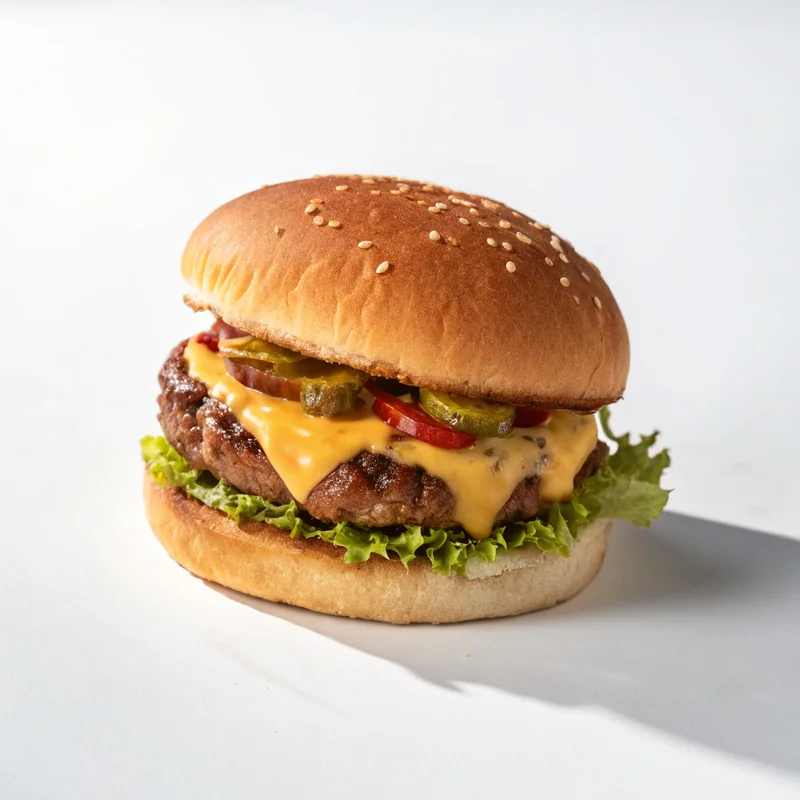
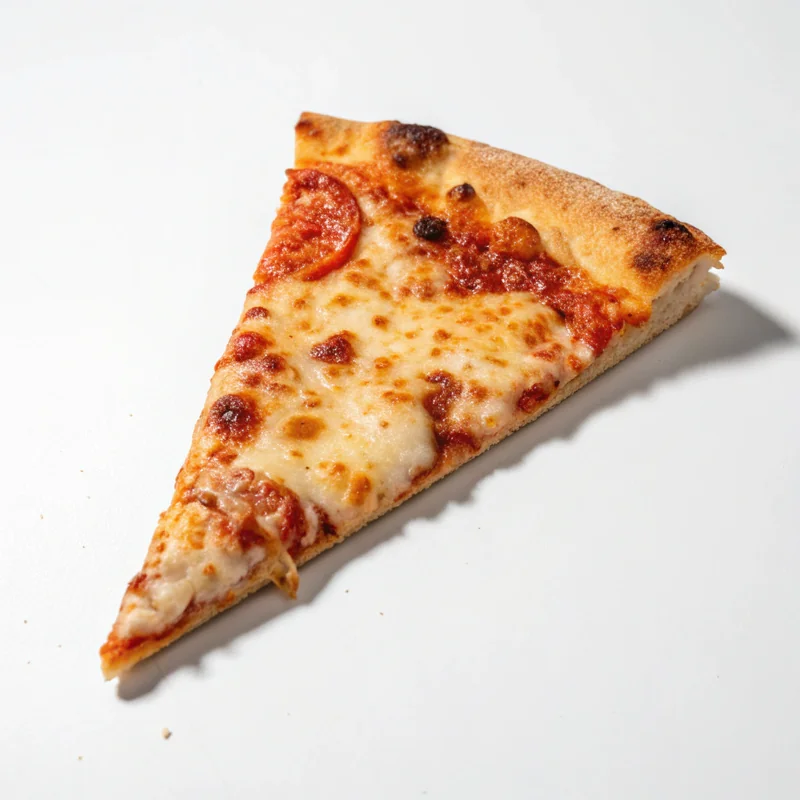
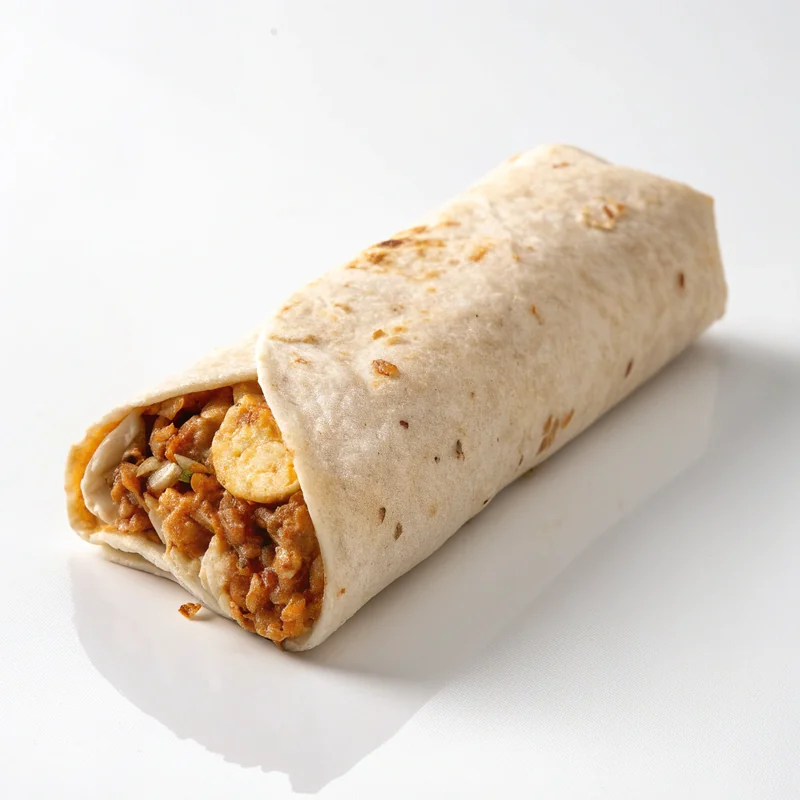
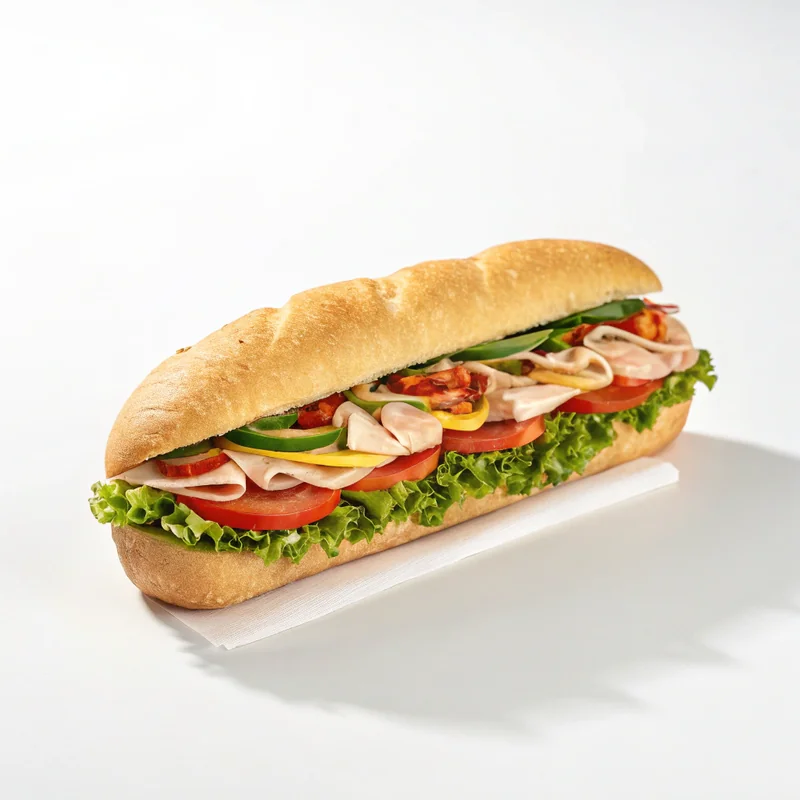
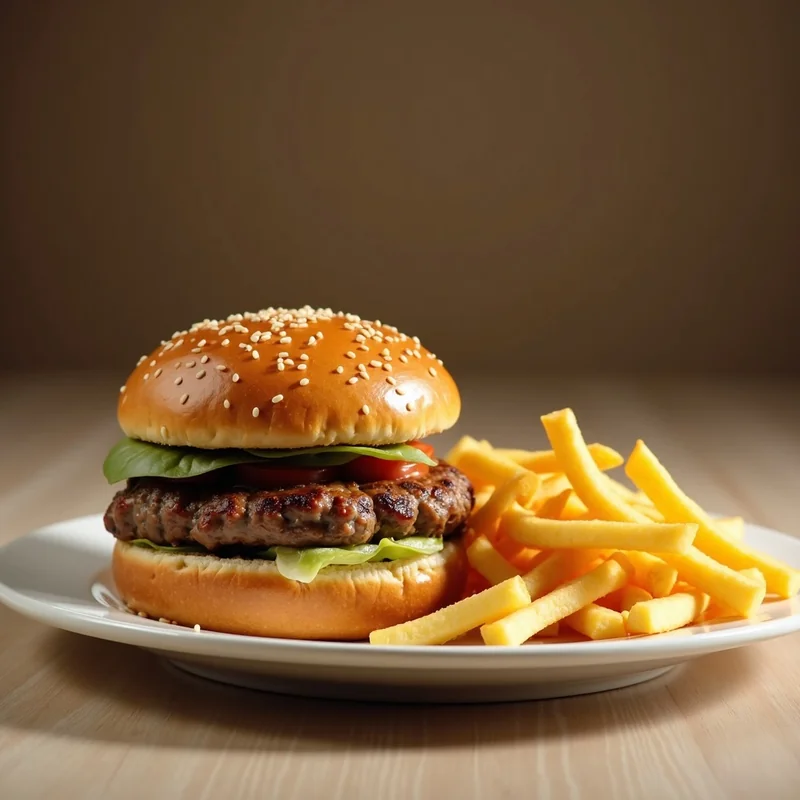
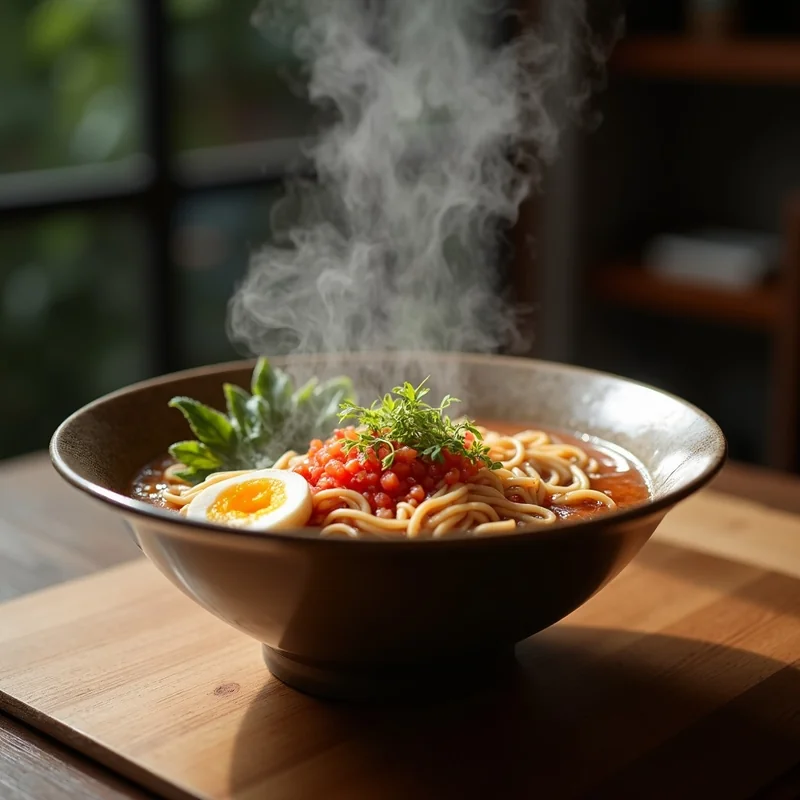
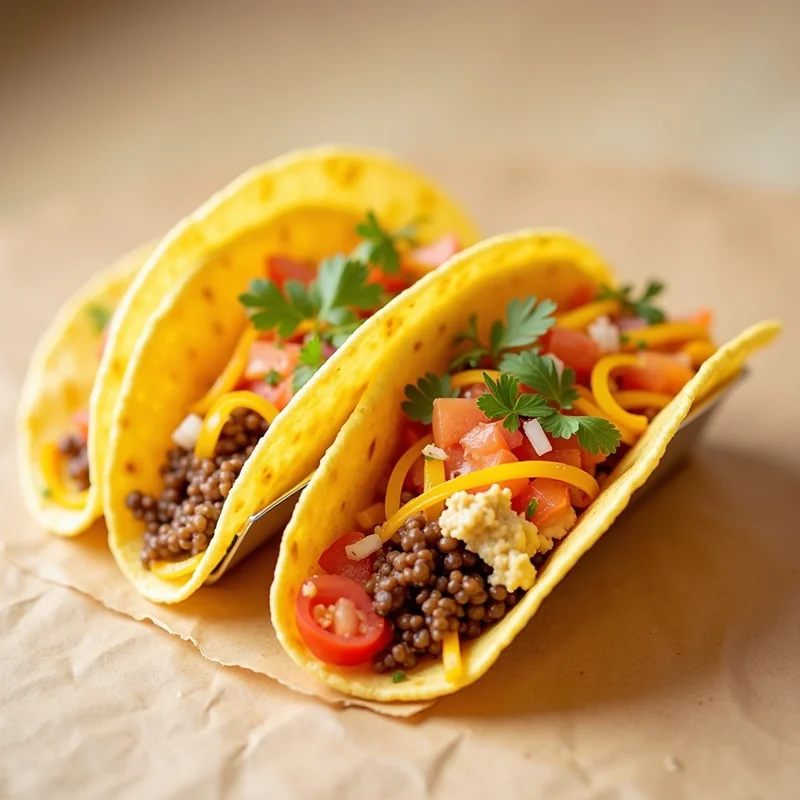
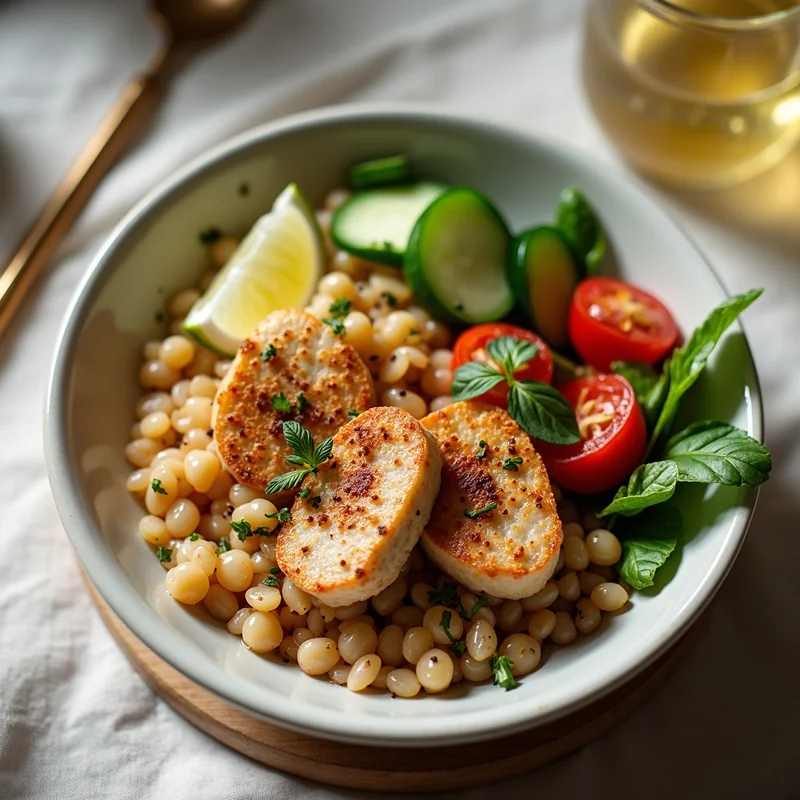
From Phone to Merchant Portal in 3 Steps
Upload any dish photo and get DoorDash-ready results before your coffee gets cold
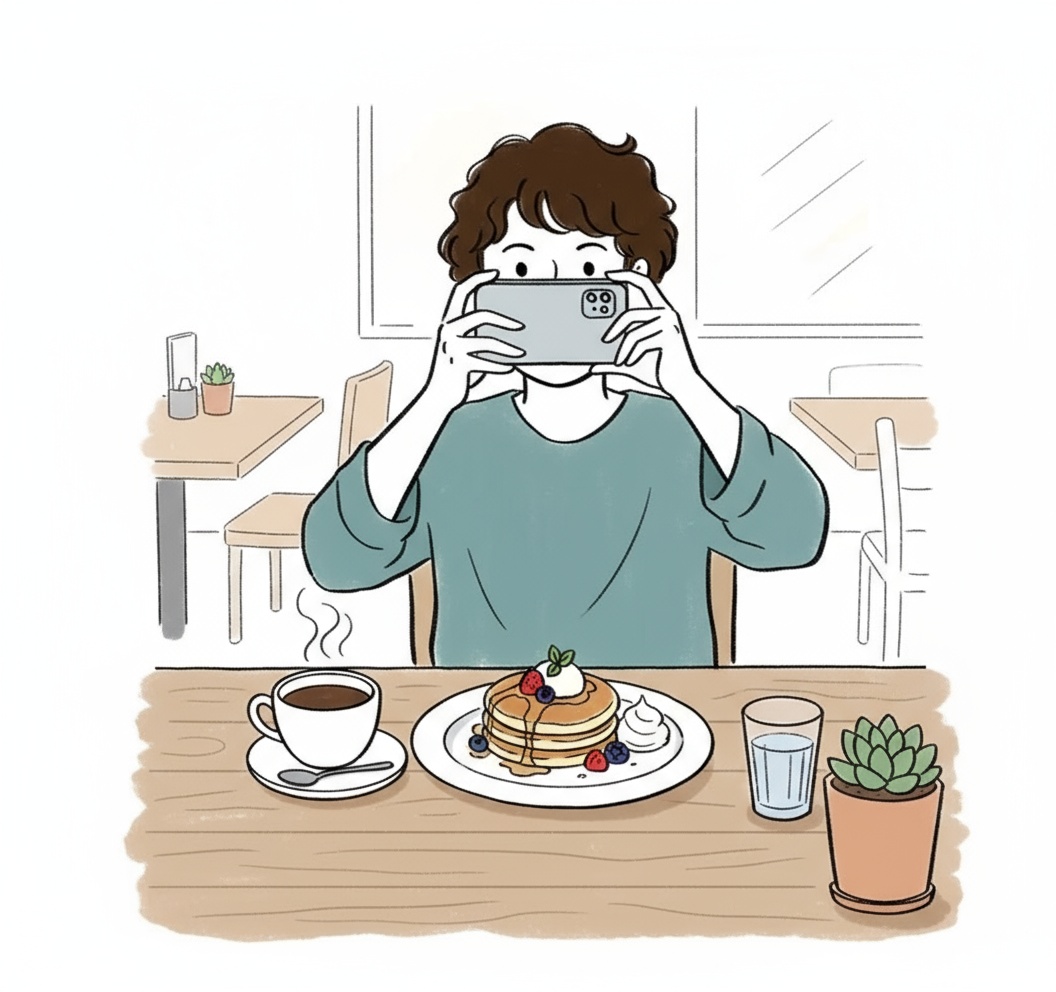
Snap With Your Phone
Grab your iPhone or Android. Take a quick shot of your dish. Natural light, kitchen light, any light.
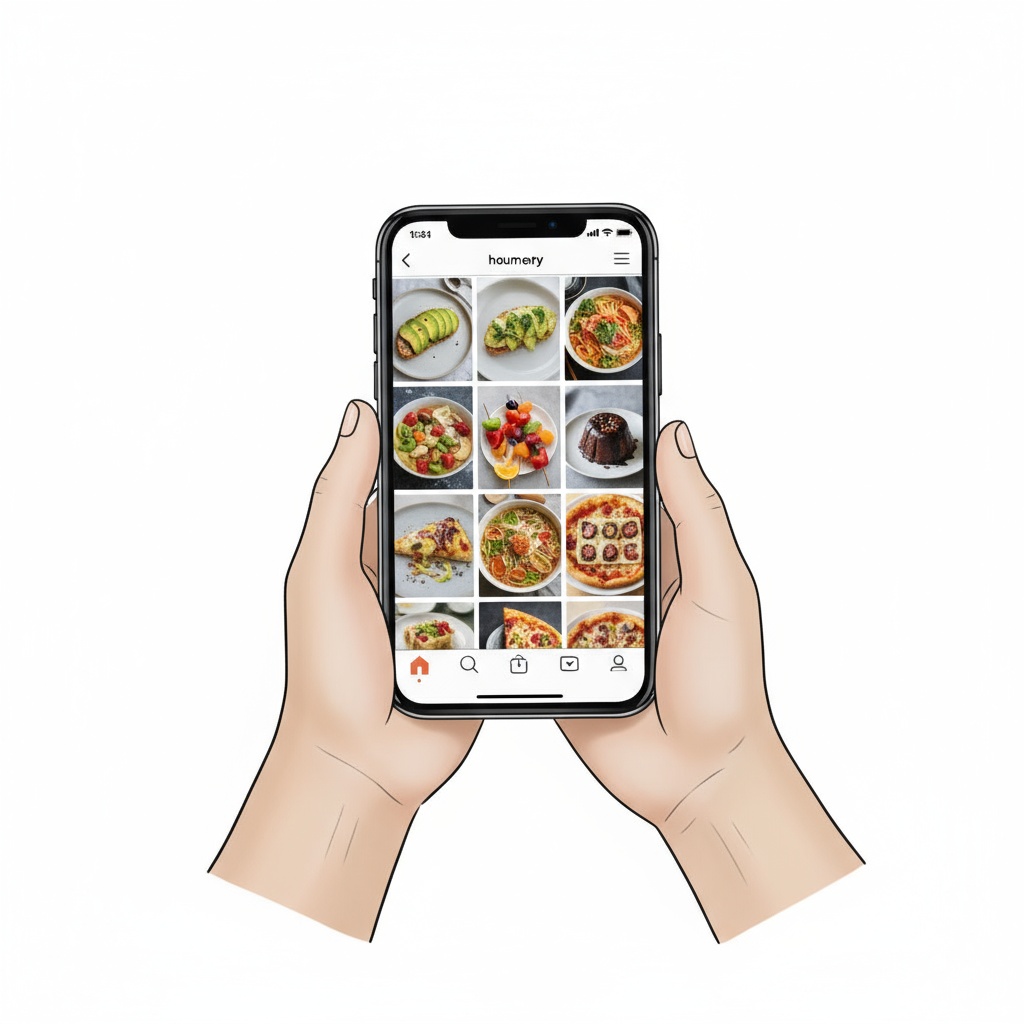
AI Converts to 16:9
Our AI fixes lighting, enhances colors, and generates the exact 16:9 ratio DoorDash requires. 4K quality.
Download and Go Live
Save the JPG file. Upload to your DoorDash Merchant Portal. Photos go live immediately.
No payment info needed • Works on any device
DoorDash Partners See These Numbers
Perfect Ratio
Every single time
Rejections
From 89,000+ uploads
Per Photo
Full menu for $20
Average Time
From upload to download
Built for Merchant Portal Specs
TagCap AI outputs match DoorDash technical requirements automatically
Exact 16:9 Dimensions
Every photo exports at 1920x1080 or higher in the precise 16:9 ratio. No manual cropping needed.
JPG Format Ready
Downloads as optimized JPG under 10MB. Drag and drop straight into Merchant Portal.
Food-First Composition
AI centers the dish, removes distracting elements, and optimizes for the DoorDash thumbnail grid.
Color Calibration
Balanced white point, vibrant yet natural colors. Food looks appetizing without looking fake.
Merchant Portal Photo Questions
Common questions from DoorDash restaurant partners
Why does DoorDash require 16:9 photos specifically?
DoorDash displays menu item headers in a widescreen 16:9 format across their app and website. Photos in other ratios get cropped automatically, often cutting off important parts of your dish. Our AI creates native 16:9 images so nothing gets lost.
Can I use the same photos for item cards and store headers?
DoorDash uses different aspect ratios for different placements. Item cards are more square, store headers are wider. TagCap lets you generate multiple versions from the same source photo to cover all placements.
My photos keep getting rejected. What am I doing wrong?
Common rejection reasons: wrong aspect ratio, too low resolution, watermarks, text overlays, or non-food elements in frame. TagCap eliminates all these issues automatically. We've processed 89,000+ DoorDash photos with a 100% approval rate.
How do I upload TagCap photos to the Merchant Portal?
Download the JPG from TagCap. Log into your DoorDash Merchant Portal. Go to Menu > Edit Item > Photo. Upload the file. That's it. Photos typically go live within minutes.
Do better photos really increase DoorDash orders?
DoorDash's own data shows items with professional photos get 25-35% more orders than items without photos. Our restaurant partners typically see a noticeable bump within the first week of upgrading their menu images.
Your DoorDash Menu Deserves Better Photos
3 free photos to test. No card required. Perfect 16:9 format. Upload to Merchant Portal today.
Create Your First Photo Free →