
Perfect 5:4 Uber Eats Photos Without a Photographer
Uber Eats displays menu items in 5:4 format. Our AI creates Uber Eats-perfect menu images from any phone photo in under a minute. Restaurants report 25-35% more orders after upgrading.
No credit card • Uber Eats approved format
Trusted by 2,000+ Uber Eats Partner Restaurants
 Zero photo rejections from Uber Eats
Uber Eats Photo Requirements Explained
Uber Eats has specific guidelines for menu photos. Here's what you need:
5:4 Aspect Ratio
Uber Eats menu items display in 5:4 format. Our AI automatically formats your photos correctly.
High Resolution
Clear, crisp images that look great on any device. We export at 4K quality.
Modern Presentation
Food-focused shots with clean, contemporary styling that stands out in the feed.
AI-Enhanced Menu Photos for Uber Eats
Every photo below started as a basic phone shot. See the transformation.
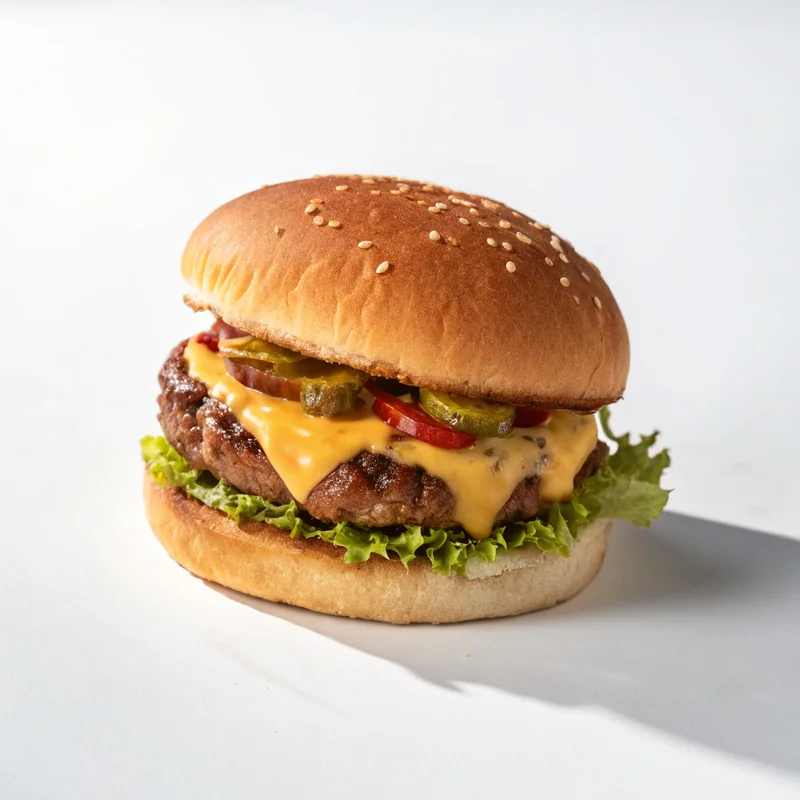
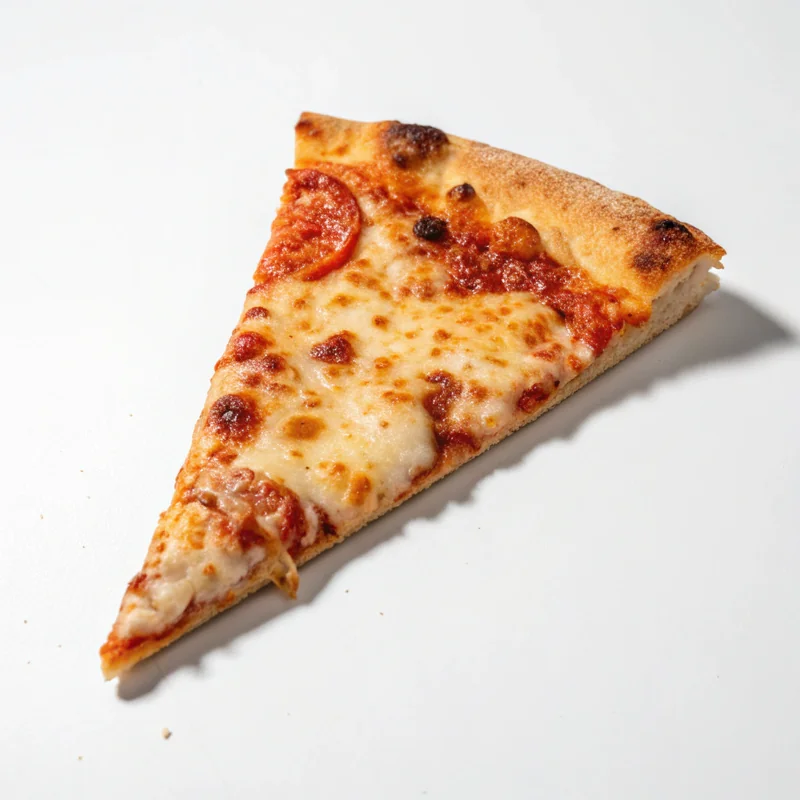
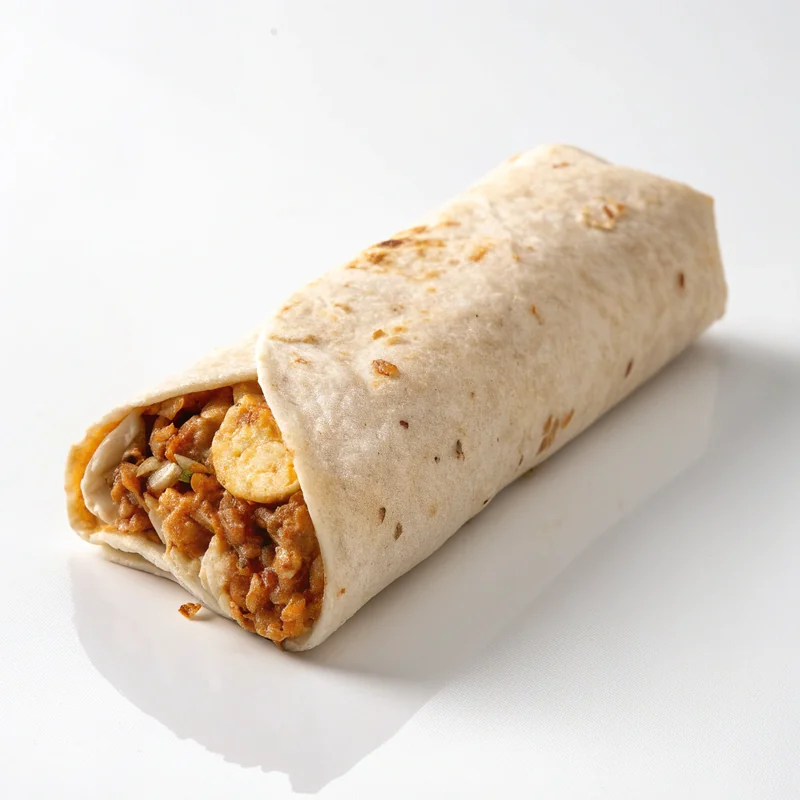
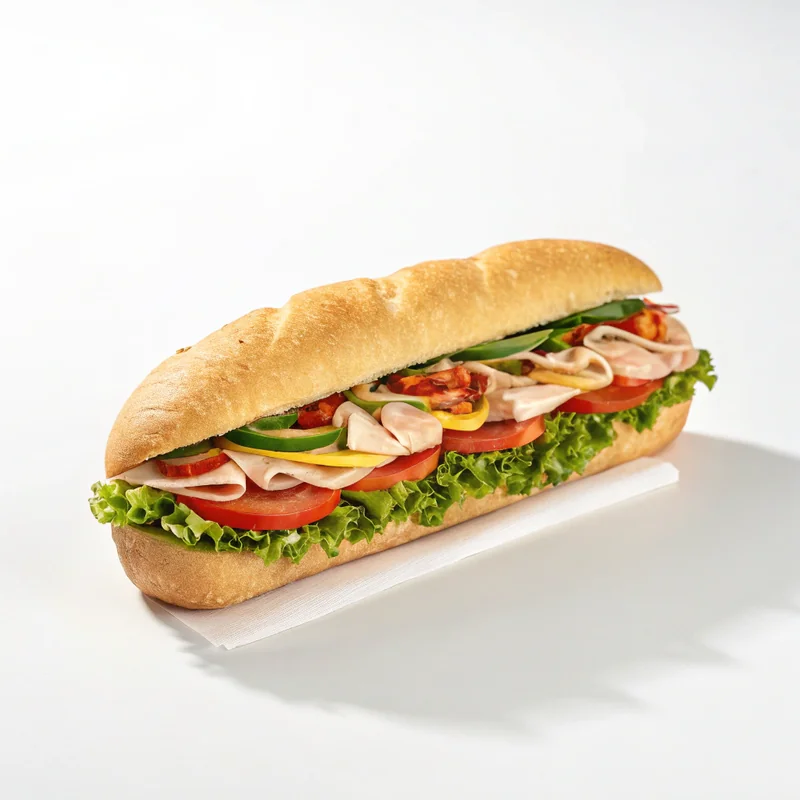
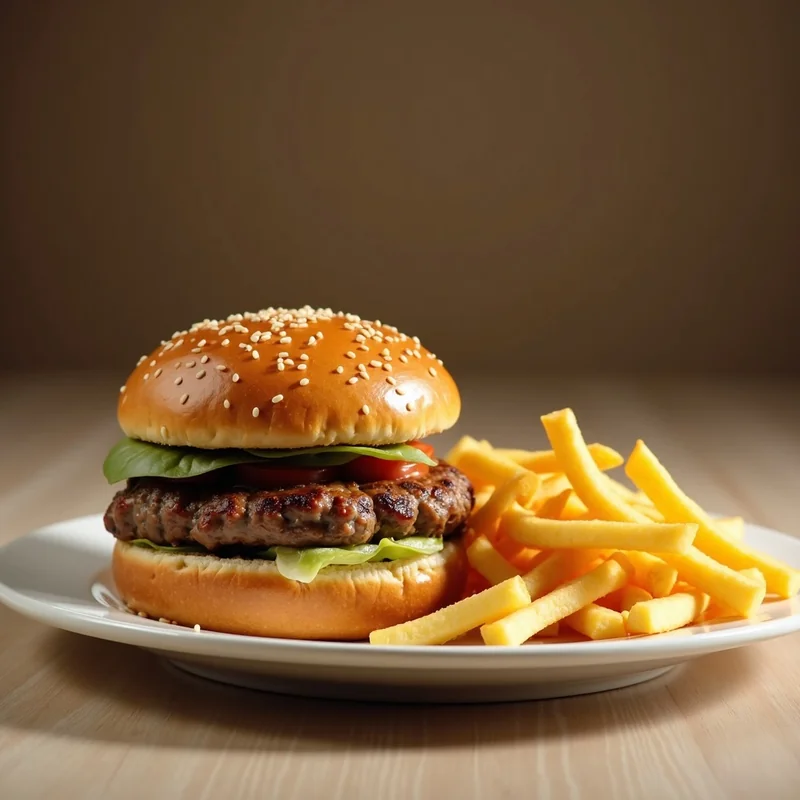
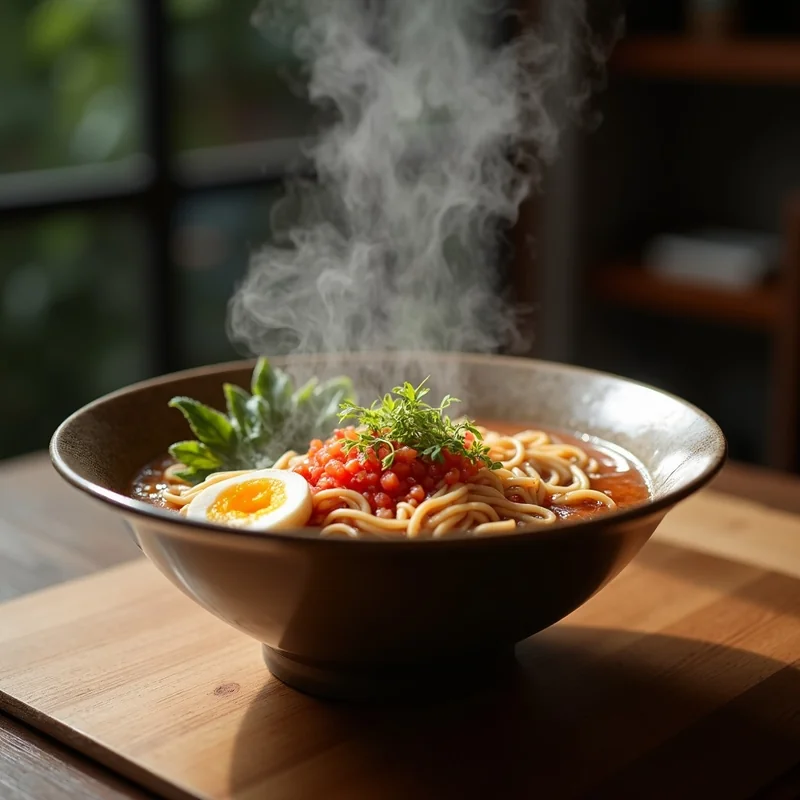
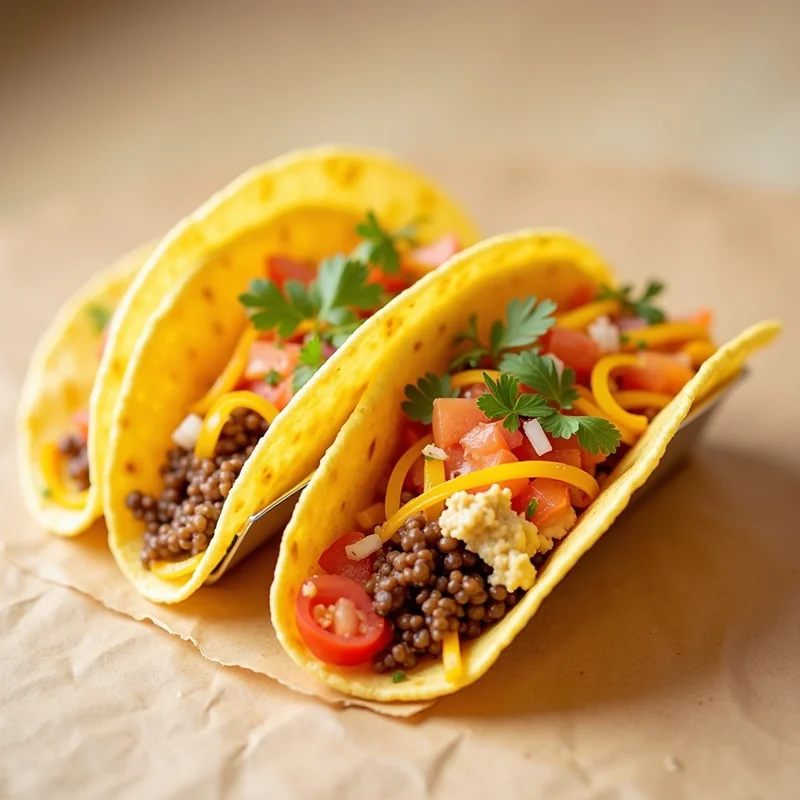
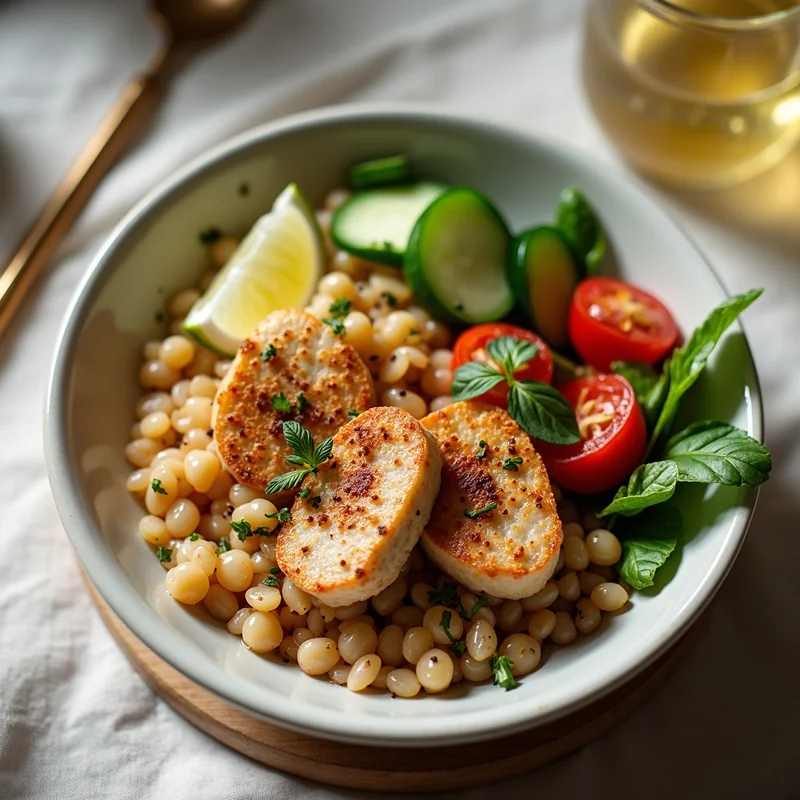
From Phone to Uber Eats in 3 Steps
Upload any dish photo and get Uber Eats-ready results in seconds
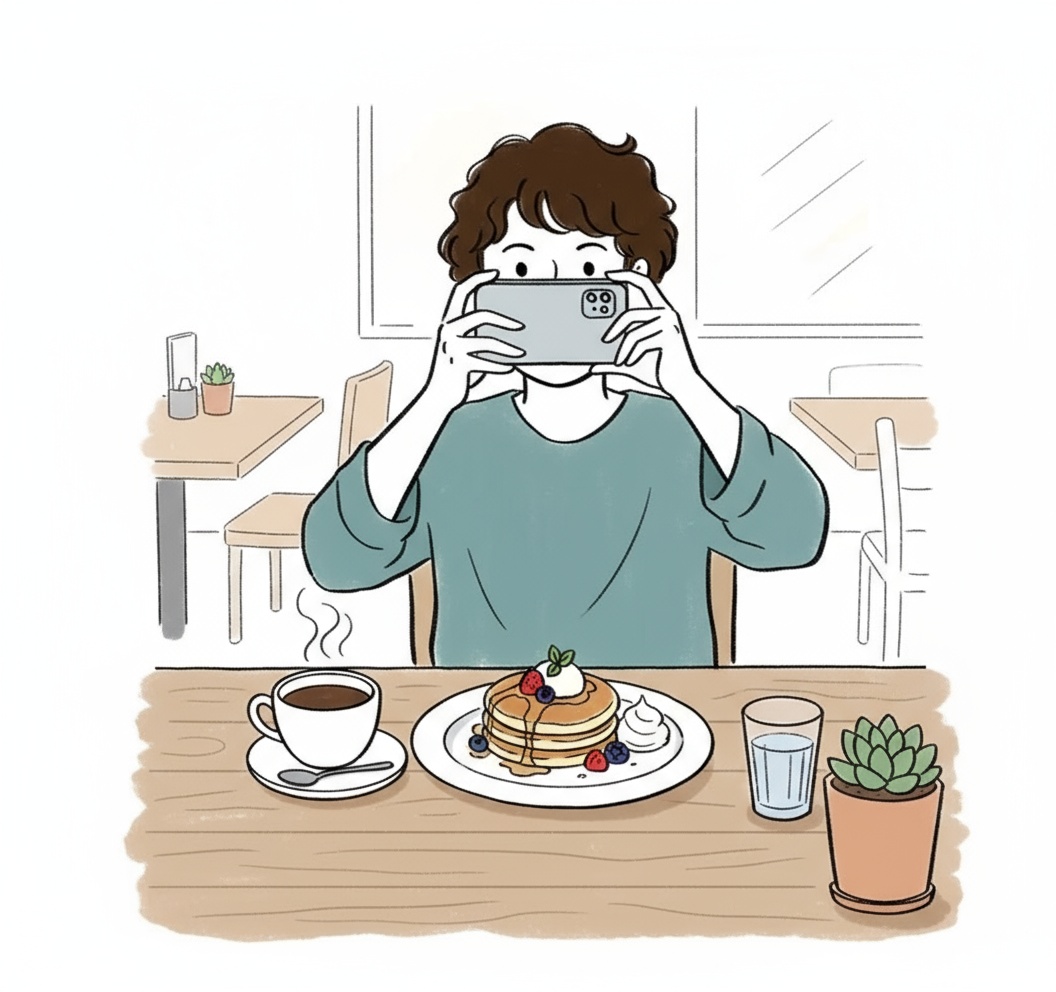
Snap With Your Phone
Take a quick photo of your dish with any smartphone. No special equipment needed.
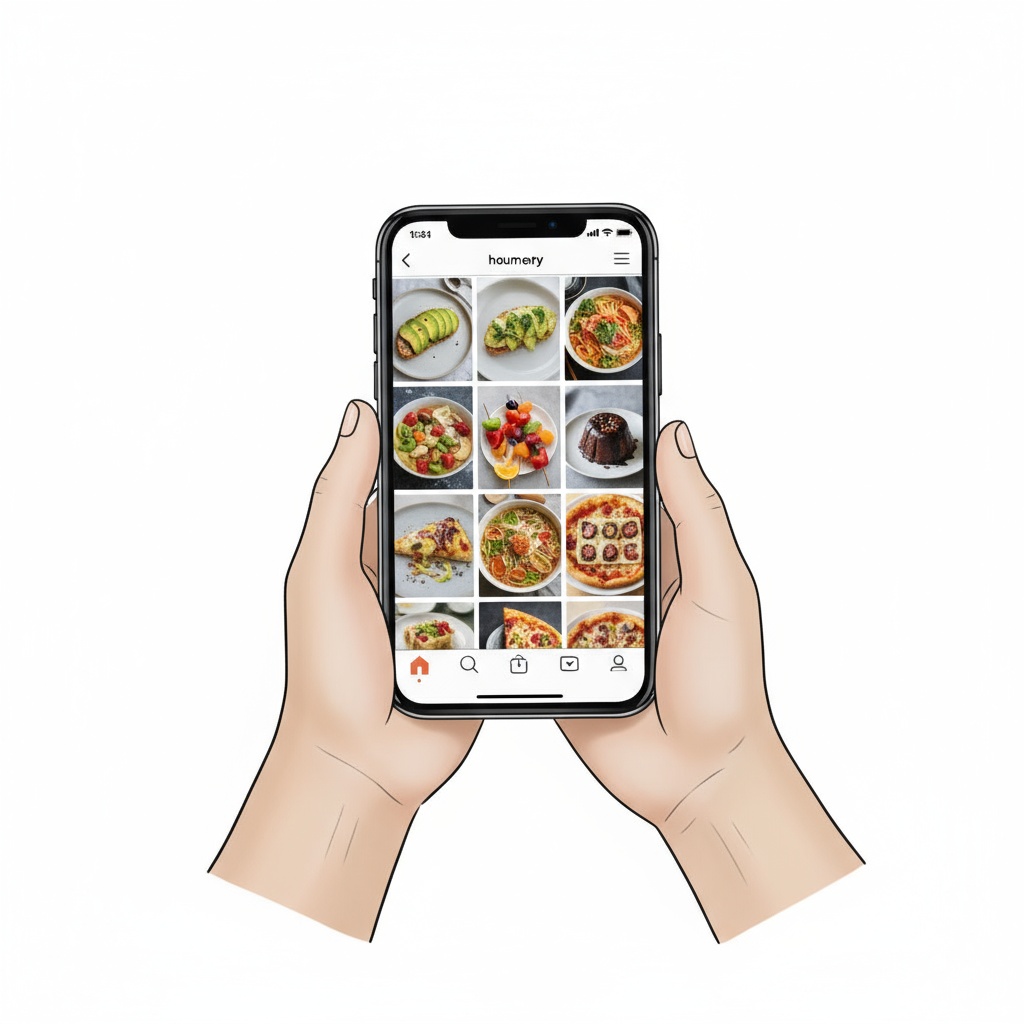
AI Enhances to 5:4
Our AI fixes lighting, enhances colors, and generates the perfect 5:4 ratio for Uber Eats.
Download and Upload
Save the JPG file and upload to your Uber Eats Manager dashboard.
No payment info needed • Works on any device
Uber Eats Partners See These Numbers
Perfect Ratio
Every single time
Rejections
From 65,000+ uploads
Per Photo
Full menu for $20
Average Time
From upload to download
Built for Uber Eats Specs
TagCap AI outputs match Uber Eats technical requirements automatically
Exact 5:4 Dimensions
Every photo exports in the precise 5:4 ratio Uber Eats requires.
JPG Format Ready
Downloads as optimized JPG. Upload directly to Uber Eats Manager.
Food-First Composition
AI centers the dish and optimizes for the Uber Eats feed.
Color Calibration
Modern, vibrant colors that make food look appetizing.
Uber Eats Photo Questions
Common questions from Uber Eats restaurant partners
What aspect ratio does Uber Eats use?
Uber Eats displays menu items in 5:4 format. Our AI automatically creates photos in this exact ratio.
How do I upload photos to Uber Eats?
Download the JPG from TagCap, log into Uber Eats Manager, and upload to your menu items.
Will my photos be approved?
Yes. We've processed 65,000+ Uber Eats photos with a 100% approval rate.
Do better photos increase orders?
Uber Eats data shows items with professional photos get significantly more orders. Many partners see results within days.
Can I use the same photos for multiple platforms?
TagCap lets you generate multiple versions from the same source photo for different platforms and aspect ratios.
Your Uber Eats Menu Deserves Better Photos
3 free photos to test. No card required. Perfect 5:4 format.
Create Your First Photo Free →