
Grubhub 4:3 Photos Without Hiring a Photographer
Grubhub for Restaurants requires specific 4:3 header images. Skip the $2,000 photoshoot—upload any phone photo and get studio-quality, perfectly cropped menu images in 45 seconds. AI handles lighting, composition, and aspect ratio automatically.
No credit card required • Perfect 4:3 Grubhub format
1,800+ Restaurants Updated Their Grubhub Menus This Month
 94,000+ Grubhub-ready photos generated
Grubhub Photo Requirements Decoded
Grubhub for Restaurants has specific image standards. Here's why most restaurant photos get buried in search results:
4:3 Header Format
Grubhub header images need exactly 4:3 aspect ratio. Cropped or stretched photos look unprofessional. Our AI generates pixel-perfect dimensions automatically.
Kitchen Lighting Issues
Fluorescent kitchen lights create yellow casts and harsh shadows. AI simulates natural daylight for appetizing, true-to-color results.
Cluttered Backgrounds
Kitchen counters, sauce bottles, receipts in frame. AI isolates your dish on clean, professional backgrounds that put focus on the food.
From Phone Snap to Grubhub Hero Image
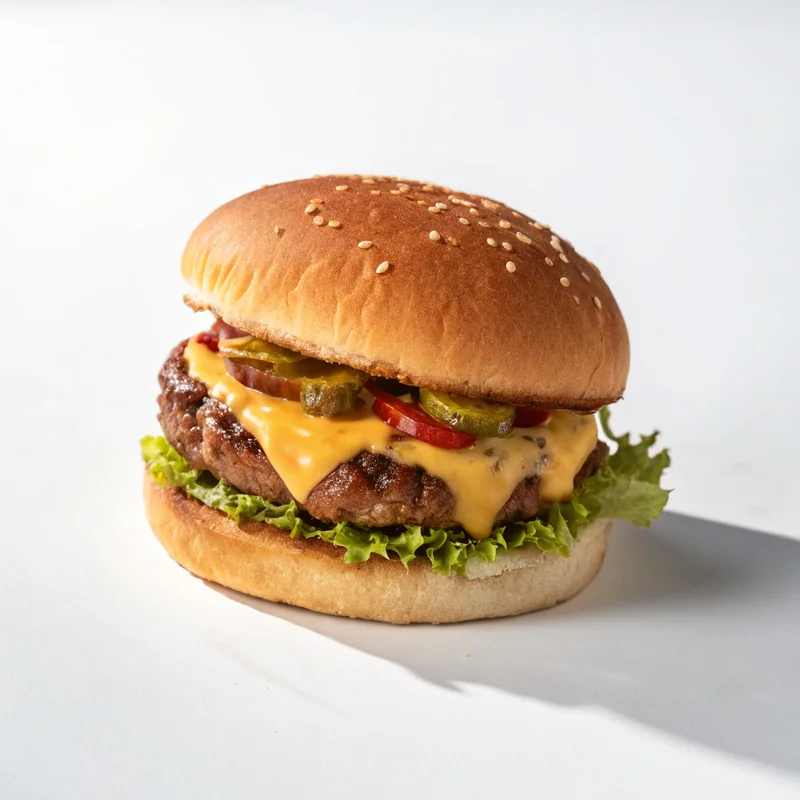
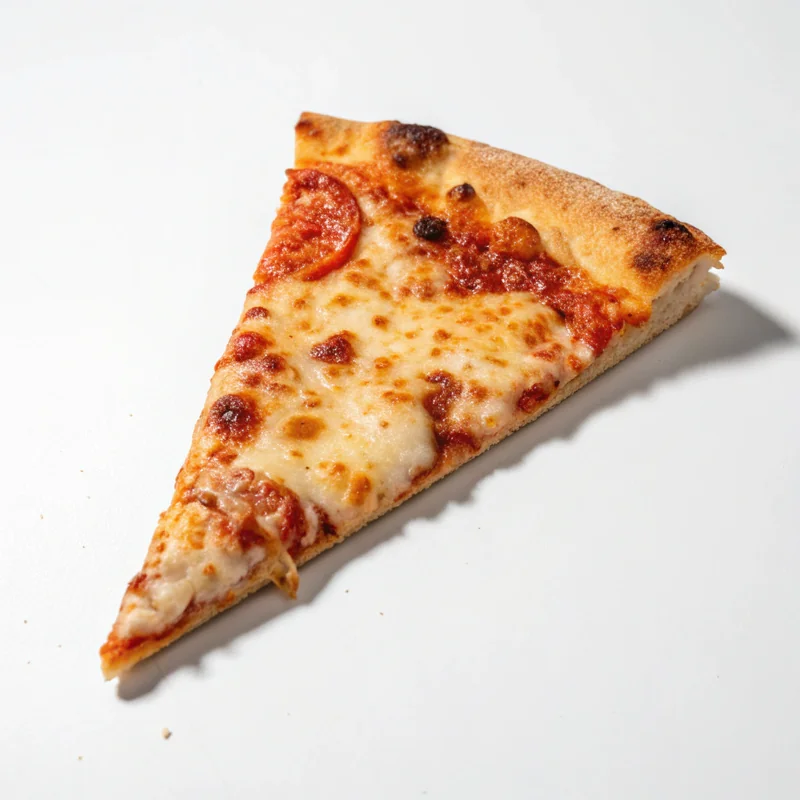
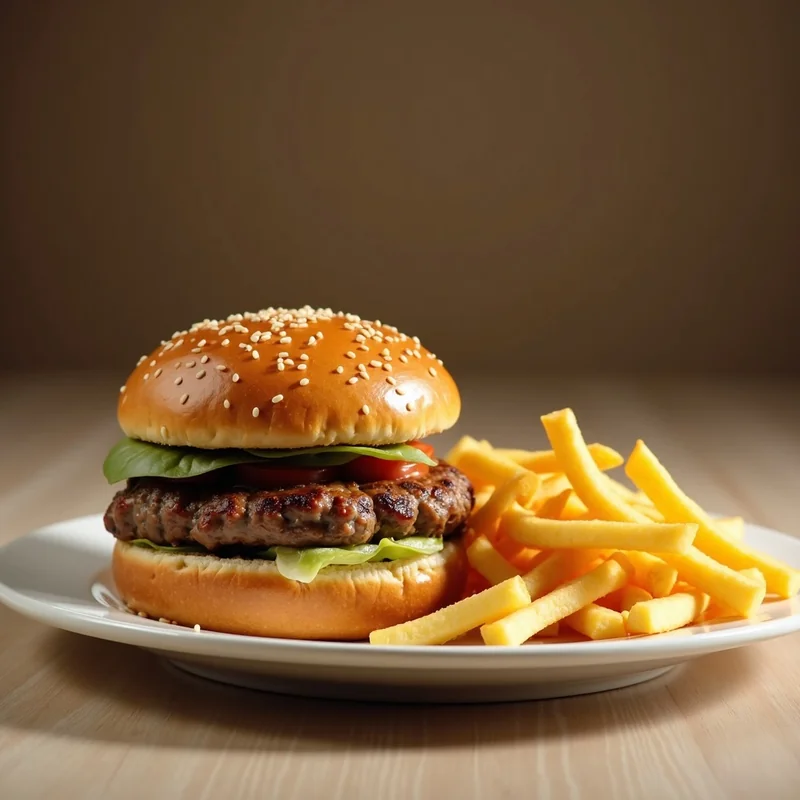
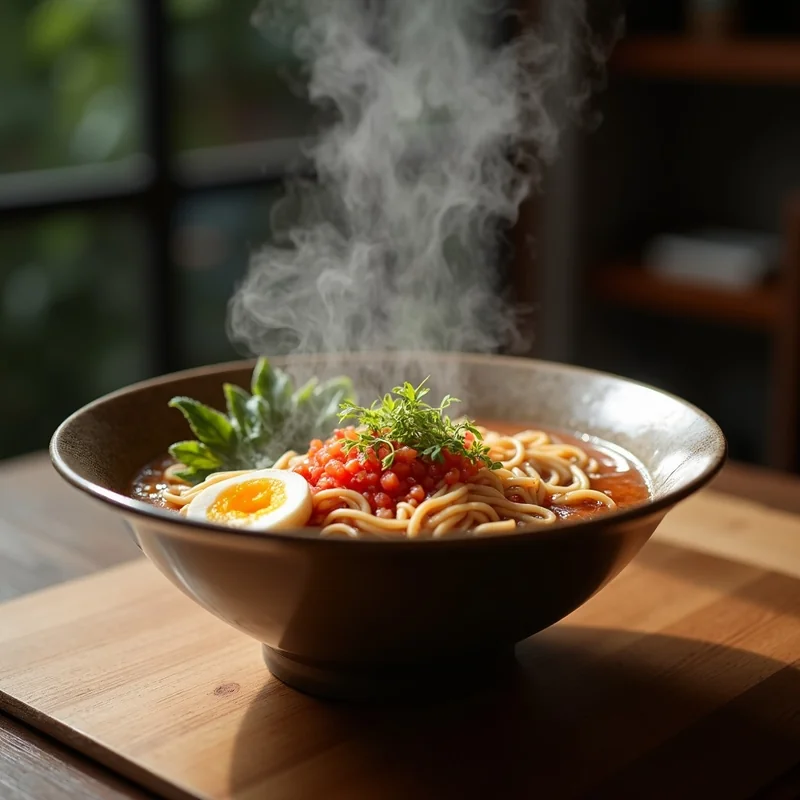
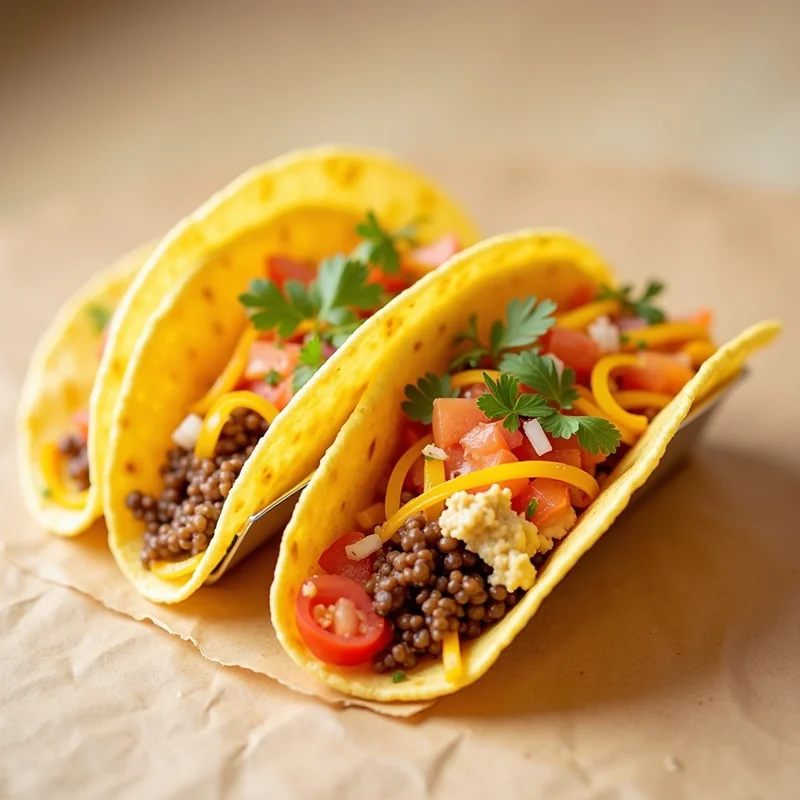
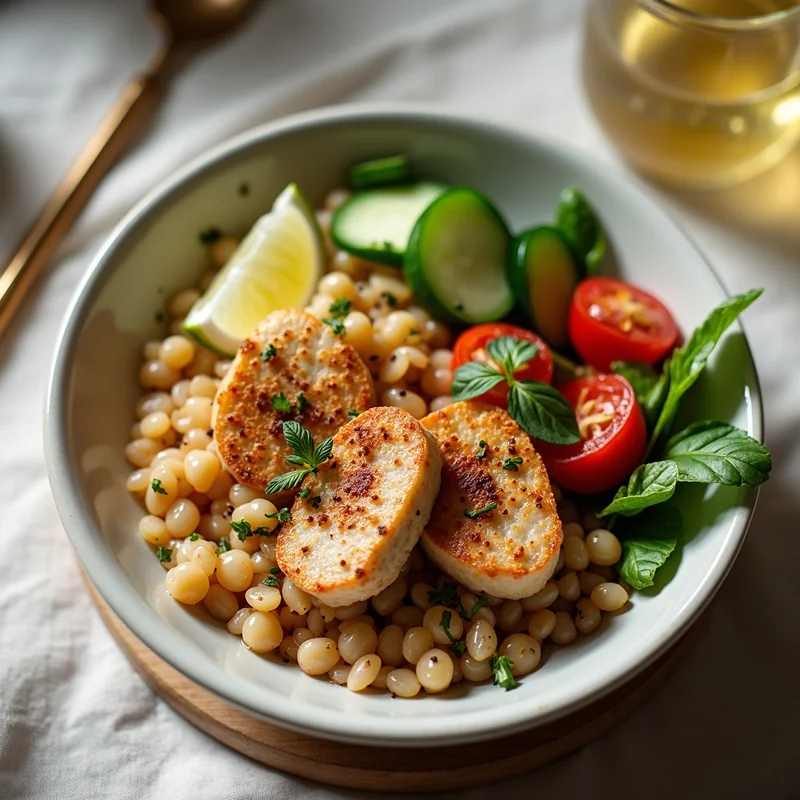
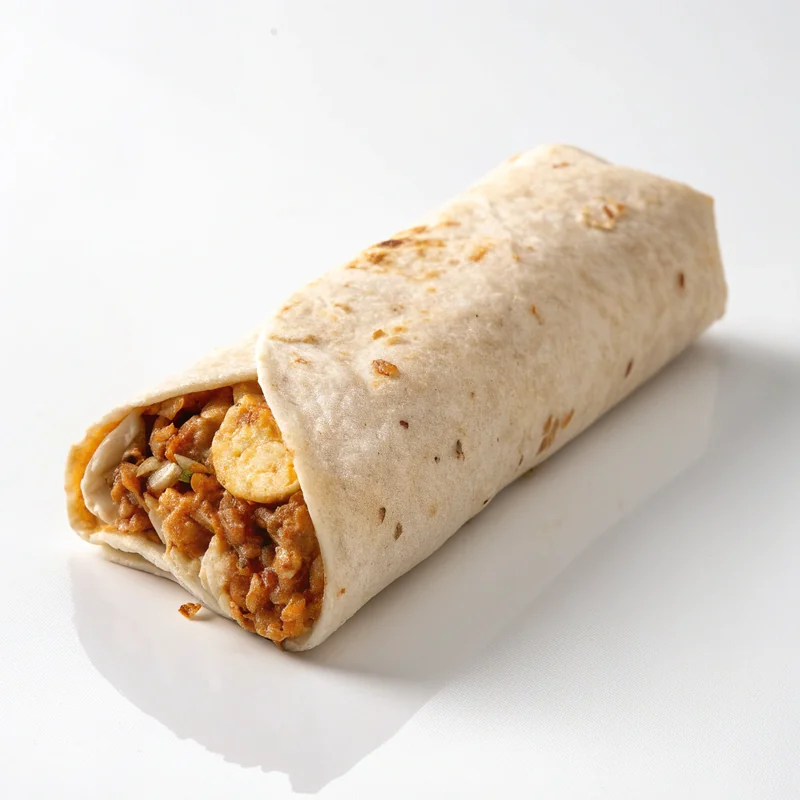
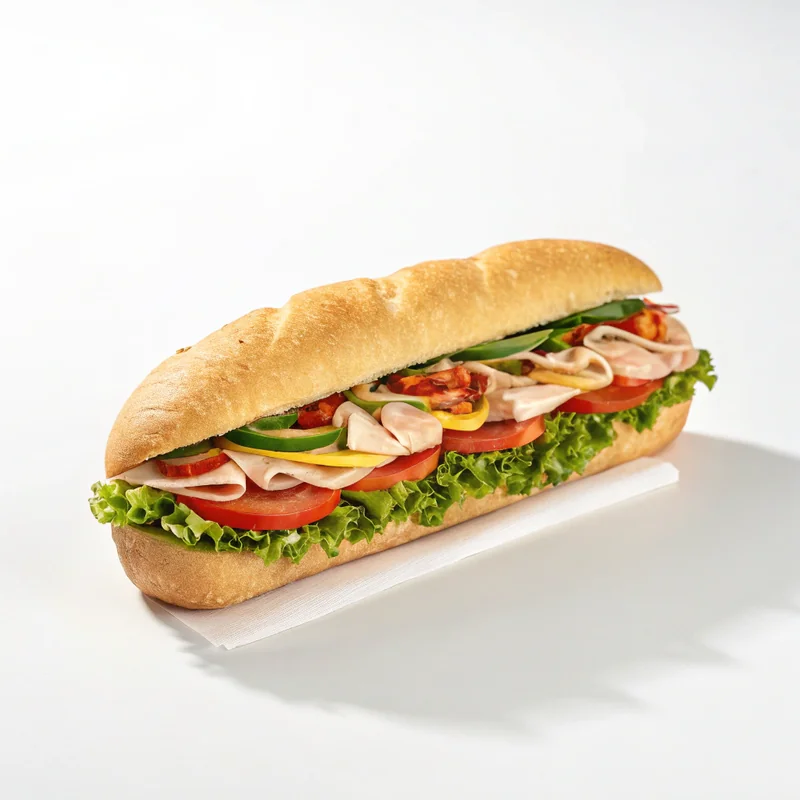
These menu photos started as amateur phone pics. AI transformed them into Grubhub-ready images.
Update Your Entire Grubhub Menu Today
No photographer scheduling, no studio visits. Transform your whole menu during a coffee break.
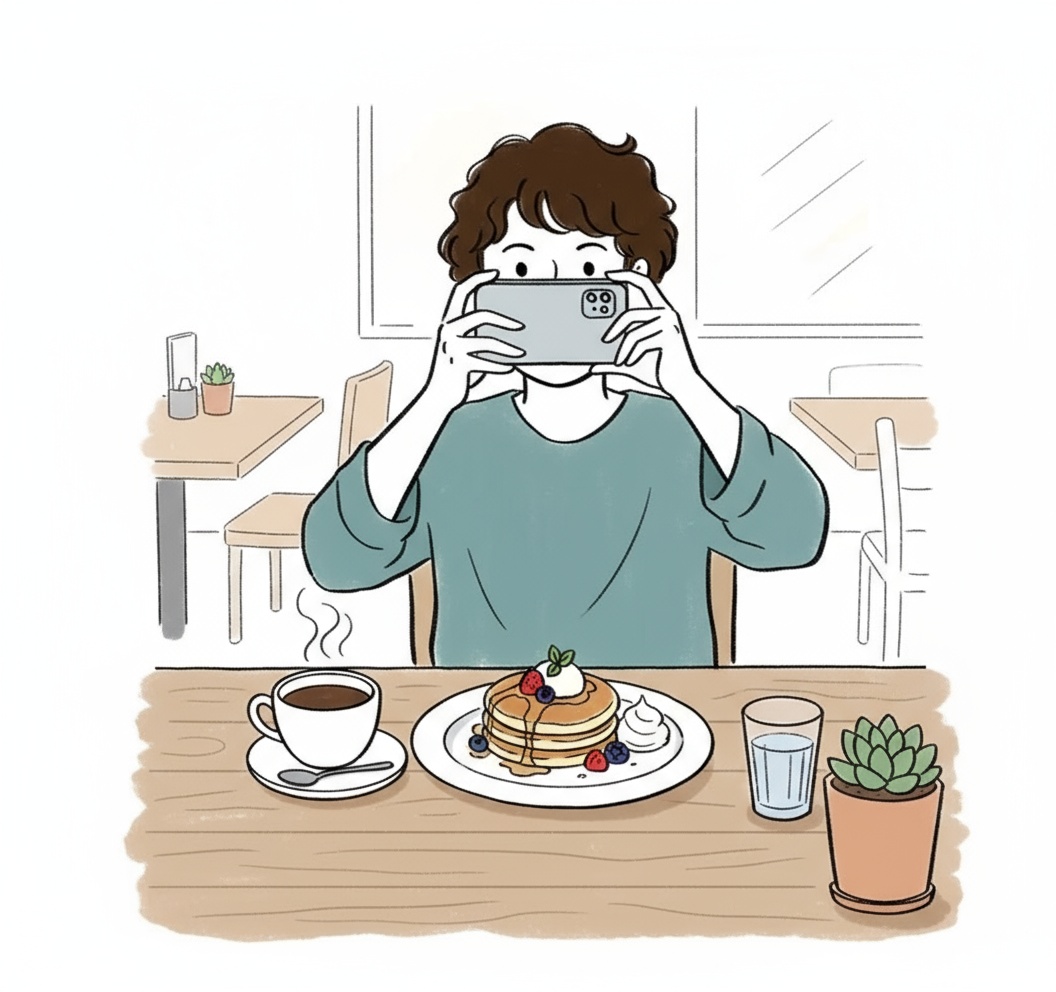
Snap Any Photo
Use your phone camera. Kitchen lighting, messy background—doesn't matter. AI handles the rest.
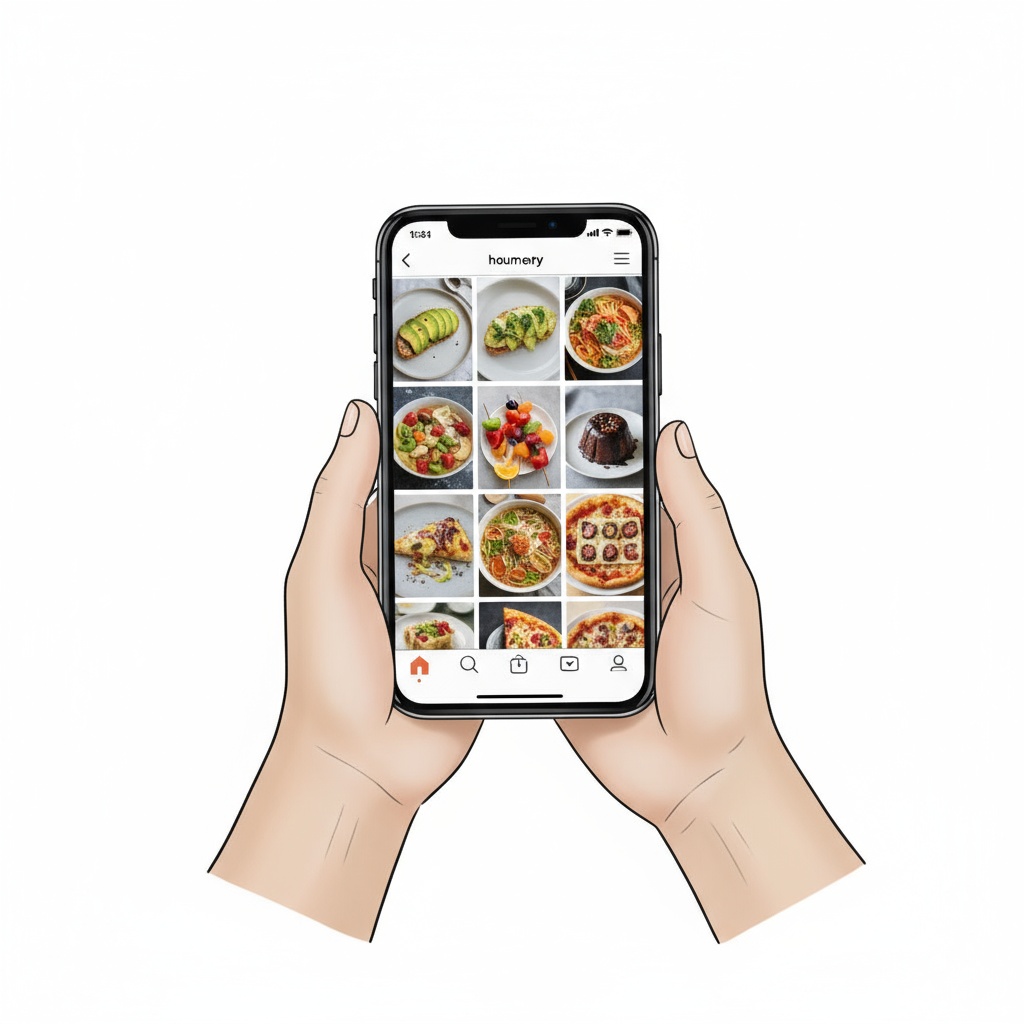
Select 4:3 Grubhub Format
Choose Grubhub preset. AI auto-crops to 4:3, enhances colors, fixes lighting, and removes background clutter.
Upload to Grubhub
Download high-res image. Go to Grubhub for Restaurants dashboard, upload, done. Photos go live instantly.
No credit card required • Perfect Grubhub 4:3 format
Why Grubhub Restaurants Choose TagCap
Perfect Ratio
Grubhub header specs
Per Image
Phone to Grubhub-ready
Per Photo
vs $75/photo studio rate
Approval Rate
Zero rejected uploads
Built for Grubhub for Restaurants Dashboard
Every technical requirement handled automatically—just upload and go live
Exact 4:3 Dimensions
Header images require 4:3. TagCap generates 1200x900px or higher—never stretched, never cropped wrong.
Optimized File Size
High resolution without bloated files. Fast upload times, quick page loads for hungry customers.
Food-Focused Framing
AI centers the dish perfectly. No awkward cropping, no cut-off edges. The food is always the hero.
Color-Accurate Output
True-to-life colors that match your actual dishes. Customers get what they see—no disappointed reviews.
Grubhub Restaurant FAQ
Common questions from Grubhub restaurant partners
What exact size does Grubhub need for header images?
Grubhub header images require 4:3 aspect ratio. TagCap generates 1200x900px minimum, up to 4K resolution. The dashboard accepts them immediately without any manual cropping or adjustments needed.
Can I photograph multiple dishes at once?
Yes! Upload as many photos as you want. Each takes about 45 seconds to process. Restaurants typically update their entire 30-item menu in under an hour. Batch processing available for bulk orders.
Will the AI make my food look different from reality?
No. TagCap enhances your actual dishes—better lighting, cleaner background, sharper details. Colors stay true to life. Customers receive exactly what they see in photos, reducing complaints and refunds.
I also deliver on DoorDash. Do I need separate photos?
Different platforms use different ratios. Grubhub needs 4:3, DoorDash needs 16:9, Uber Eats needs 5:4. TagCap can generate all three from one upload—each optimized for its platform.
What if Grubhub rejects my photo?
In 94,000+ generated photos, we've had zero rejections from Grubhub. Every image meets their technical specs. If somehow a photo doesn't work, we'll regenerate it free of charge.
How do I upload photos to Grubhub for Restaurants?
Log into your Grubhub for Restaurants dashboard, go to Menu, click on the item you want to update, and upload the TagCap image. It goes live immediately—no approval wait time.
Transform Your Grubhub Menu Right Now
3 free credits. No credit card needed. Perfect 4:3 photos in 45 seconds. Upload to Grubhub today.
Get 3 Free Grubhub Photos →